01Create
Create
your way
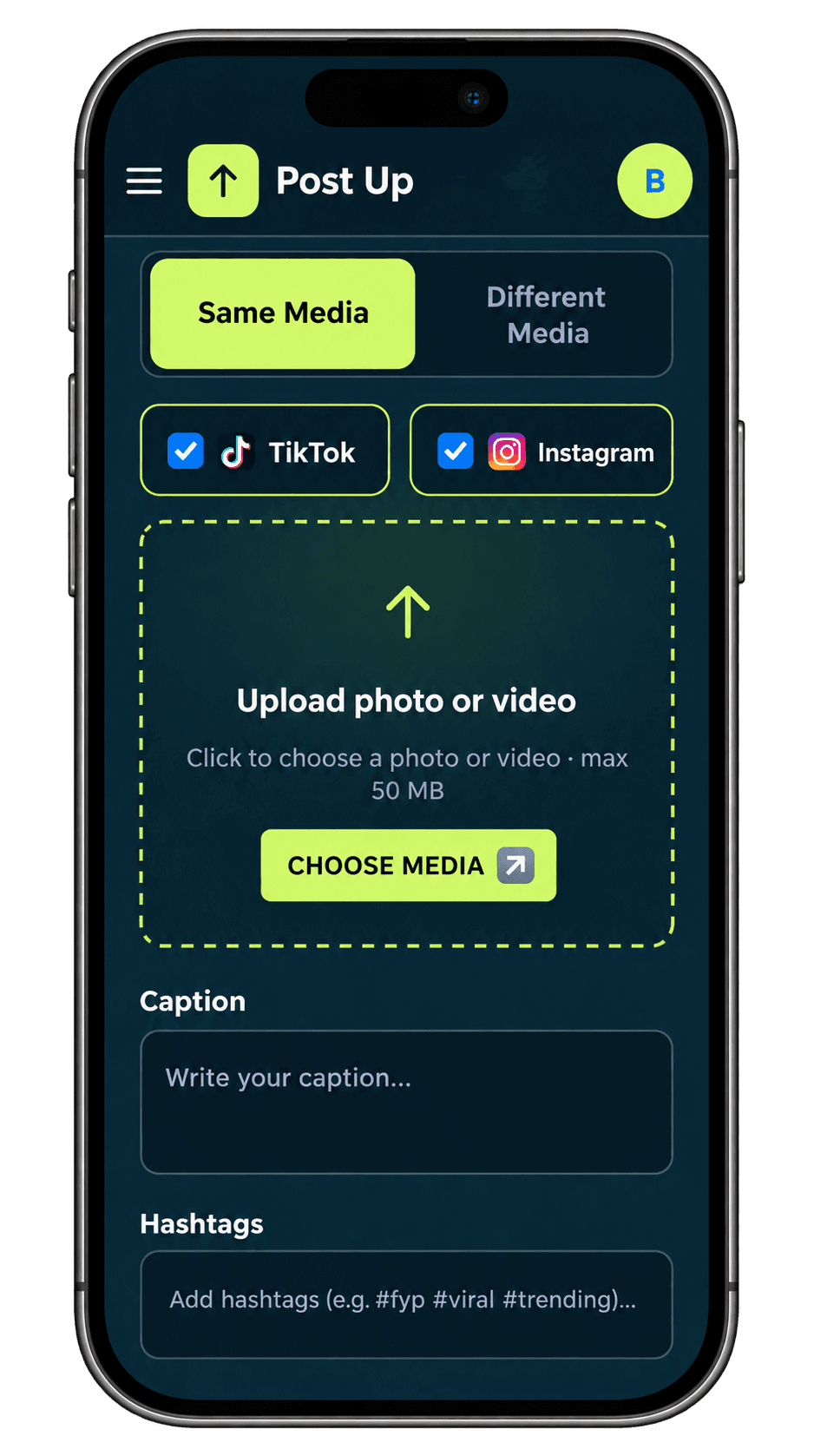
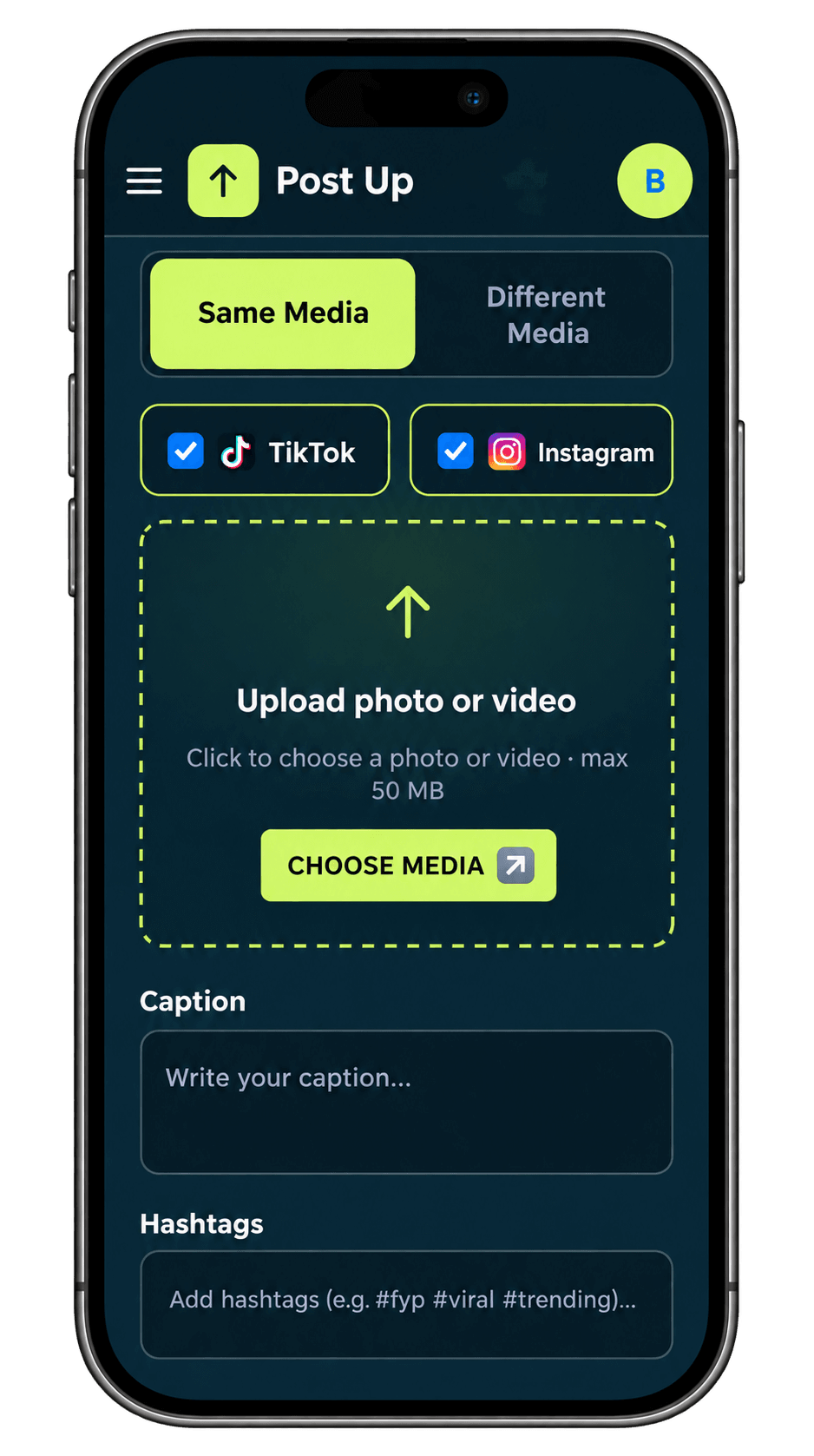
Use the same media across platforms or give each platform its own file, caption and hashtags.


A little more room to create
Bring your ideas, media and connected accounts together. Create, plan and publish to TikTok and Instagram from one focused workspace.
Your creativity. Your accounts. Your next chapter.
Your next post starts here
Everything you need, in one place.
Less switching. More creating.
Use the same media across platforms or give each platform its own file, caption and hashtags.
Set a date and time, manage your queue and edit scheduled content before its moment arrives.
Find your drafts, confirmed publications and connected accounts in a single workspace.
YOUR STUDIO. ON THE GO.
Your creative workspace, wherever inspiration strikes. Upload, organize, and schedule your TikTok and Instagram content with Post Up.
Upload one video and prepare it for TikTok and Instagram.
Upload separate videos for each platform.
Publish immediately or schedule your content for later.
How it works
Authorize your TikTok and Instagram accounts.
Choose media for one or both platforms.
Publish now or schedule for later.
Platforms
Publishing depends on account authorization, platform permissions and service availability.
Make space for your next short-form story with dedicated media and privacy controls.
Get startedPrepare your photos and Reels with captions and media tailored to Instagram.
Get startedFAQ
Yes. Choose Different Media to select a TikTok file and an Instagram file separately. Each selected file is assigned only to its matching platform.
Yes. Open Scheduled to update the caption, hashtags or scheduled time, or cancel the schedule and keep the post as a draft.
You need an authorized social account to publish to that platform. You can prepare content and save drafts in your Post Up account first.
Publishing can be delayed or fail because of expired authorization, platform permissions or service availability. Always check the confirmed status of your content.
POST UP
Give your ideas a home. Then give them a moment.
Get started